Your Abandoned Cart Flow Is Generic: 7 Fixes That Recover 4x More Revenue

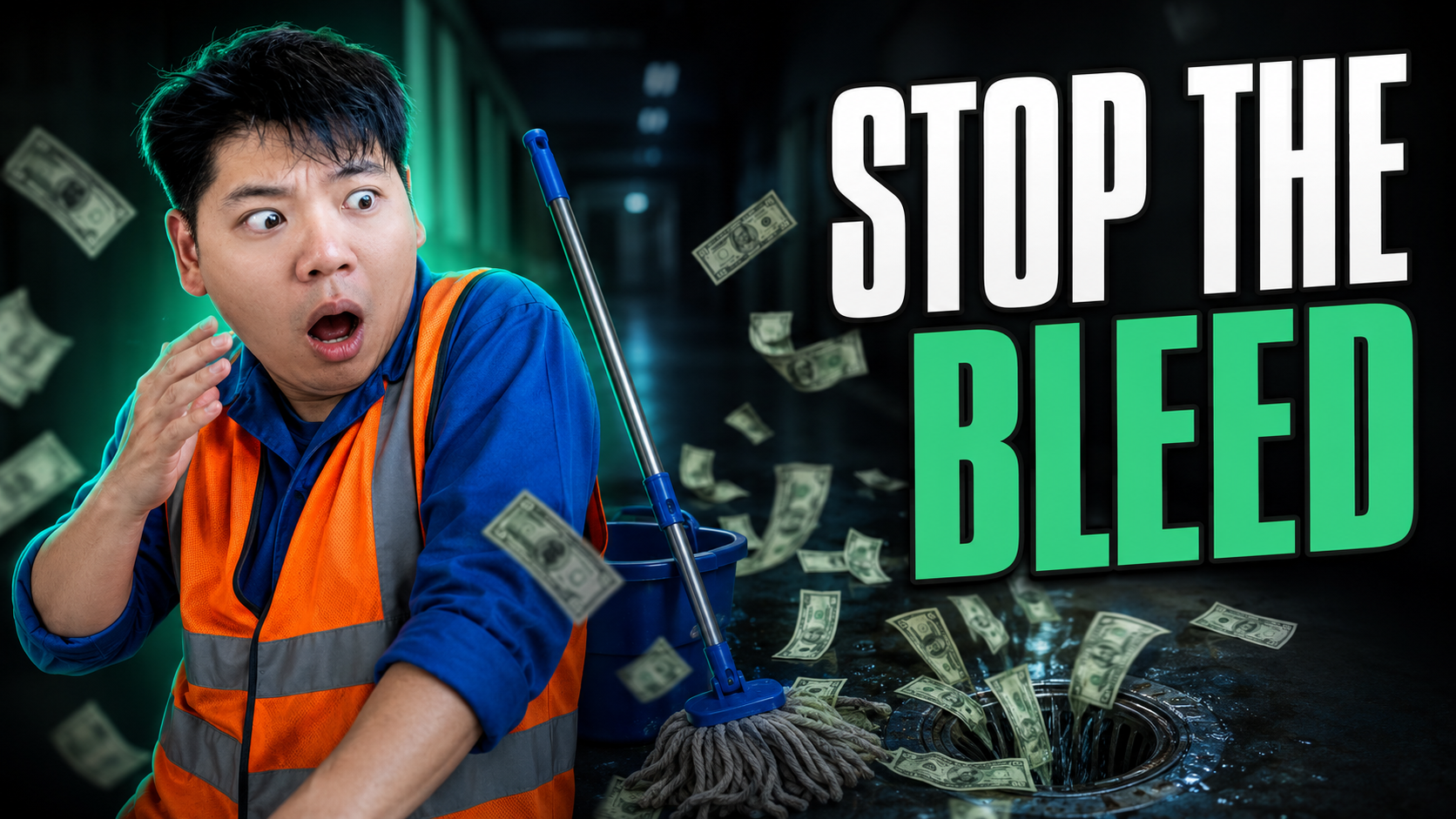
A well-built abandoned checkout flow can convert up to four times more of the people who enter it than a poorly built one. Same traffic, same products, same discount on the table. Four times the recovered revenue, decided entirely by how the flow is put together.
That gap is the single biggest reason I'd look at your abandonment flow before almost anything else in your email account. Most of it is evergreen revenue you've already half-earned, and most brands leave the majority on the floor because their flow is running on the Klaviyo default.
You know the default. Someone abandons a checkout and the email shows a tidy model photo of a product they never browsed, the same generic block every other store sends, no sense that anyone was paying attention. It's polite wallpaper. It recovers the people who were always coming back anyway and ignores everyone else.
Here are seven fixes that close the gap. None of them need a rebuild from scratch. They're swaps you make inside the flow you've already got.
1. Swap the static hero for a dynamic one
This is the fix that does the heavy lifting, so start here.
The default abandonment email uses a static image. Every recipient sees the same picture, usually a polished lifestyle shot of whatever the brand wants to push. The problem is obvious once you say it out loud: you're showing someone a product they didn't add, while staying silent on the one they did.
The fix is to make the hero image dynamic, so it pulls the actual item the person left behind. In Klaviyo this means using the event's product properties to feed the image and the button link, rather than a fixed image you uploaded. Now the email shows their thing, and the button takes them straight back to their checkout rather than your homepage.
Why it works is simple. It shows you were listening. A buyer who sees the exact product they were weighing up, with one tap back to where they left off, is far more likely to finish than one looking at a stranger's product in a stock photo. It's fifteen minutes of swapping blocks for the change that moves the flow the most.
2. Fix the silent skipped-profile bug first
Before you polish anything, check the flow isn't quietly skipping people. This one's invisible and it inflates your blended CPA without ever showing up as a problem.
Here's the trap. If your dynamic hero is built so the email only renders when product data is present, then any abandonment where that data doesn't fire cleanly gets skipped entirely. The person never receives the email. No error, no flag, nothing in the dashboard. They just silently fall out of the flow you're counting on to recover them.
The fix is conditional show-and-hide logic that always sends something. Set the dynamic product block to display only when the item data exists, and add a fallback block that shows when it doesn't, a clean generic recovery message that still gets them back to their cart. That way every abandoner gets an email, not just the ones whose data behaved.
Why this matters to your numbers: every abandoner you fail to recover is spend you already paid to acquire that buyer, now wasted. A flow silently skipping a slice of them is a quiet leak straight into your blended cost per acquisition. Plug it before you optimise anything downstream, because there's no point improving an email a chunk of people never get.
3. Split on the free-shipping threshold
The single biggest reason people abandon a checkout is shipping cost. So the smartest split in the whole flow is built around it.
Most flows treat every abandoner the same and reach for a discount to win them all back. That's lazy and it's expensive, because you end up handing money to people who'd have converted with a nudge that cost you nothing.
The fix is a conditional split on cart value against your free-shipping threshold. If their cart already clears the threshold, they don't need a discount at all, they need reminding that shipping's free, so send them down a path that simply says so. If their cart sits below it, point them at how close they are to free shipping rather than discounting the order. You only break out an actual discount for the carts that genuinely need one.
Why it works: it matches the message to the real reason they stalled, and it protects your margin. Free shipping is one of the most reliable conversion levers there is, and people will often pick it over a discount that saves them more, because the shipping line is the thing that stings at checkout. Lead with that before you lead with money off.
4. Branch on first-time versus returning
A brand-new visitor and a loyal repeat customer just abandoned the same cart. Sending them the same email is a miss in both directions.
The default flow doesn't know the difference, so it speaks to nobody in particular. The fix is a conditional split on purchase history, and then genuinely different copy down each branch.
For a first-time abandoner, the job is trust and a reason to take the leap: who you are, why people buy from you, maybe a first-order incentive if the economics work. For a returning customer, the job is the opposite. They already trust you, so a discount can be wasted margin. Welcome them back, remind them why they liked you last time, and lean on familiarity rather than a deal.
Why this matters: a discount that wins a hesitant first-timer is money well spent, while the same discount handed to a customer who was coming back anyway is pure margin given away. To put it in perspective, on a returning base you might be discounting a meaningful share of orders that needed no discount at all. The split stops you paying to acquire people you already own.
5. Branch on product or collection so the voice matches
If someone abandoned men's jewellery, why would the recovery email show women's jewellery? Yet that's exactly what a single generic flow does to half its recipients.
The fix is to branch the flow by product or, if you carry a lot of SKUs, by collection. Someone who left a men's piece in their cart goes down a path where the images and the words speak to that. Someone who left a kids' product goes down a path that feels playful and on-brand for that range. Collections keep this manageable when a product-by-product split would be too much to maintain.
Why it works: it's the same "show them you were listening" principle as the dynamic hero, extended to the whole tone of the email. When the voice and imagery match what they were actually shopping for, they don't wander off to a competitor. Mismatched imagery does the opposite, it signals you weren't paying attention and quietly gives them a reason to leave.
6. Add a human-style recovery SMS that doubles as research
This is my favourite fix because it recovers revenue and teaches you something at the same time.
The default abandonment SMS, if there even is one, reads like a system: "You left items in your cart. Complete your order here." The fix is to make it sound like a real person reaching out. Something closer to "Hi, it's Tam from the studio, just wanted to check you didn't hit any trouble at checkout?" Sent maybe half an hour after they drop off, while it's still fresh.
The recovery on its own is worth it, because a personal message lands completely differently from an automated one. But here's the part most brands miss. When someone replies to tell you why they didn't buy, the shipping felt steep, they had a sizing question, they got distracted, that's the most valuable customer research you'll get all week. It's the real reason for the abandonment, straight from the person, unprompted.
Why it works on both fronts: you recover the sale that was sitting there, and you build a running list of the actual friction in your checkout. Every reply is a free note on what to fix next. Most brands never ask, so they never find out, and they keep guessing at problems their own abandoners would happily explain.
7. Make every email render fast and scannable
Last one, and it's the quiet multiplier on all the others. A clever flow that loads slowly and rambles still loses people.
Two things drag abandonment emails down. Heavy images that stack into a long scroll, and a dynamic block dumping every item from a big cart into one endless email. The fix on the first is a tidy two-by-two image grid instead of a tall stack, which reads cleanly on a phone where most of this gets opened. The fix on the second is to cap how many products render, show the few they cared about most rather than all of them.
Why it matters: people give an email a few seconds before they decide to read or bin it. Faster load, less scrolling, a clear single action, and more of them actually get to your call to action. All the targeting in the world doesn't help if the email's still loading when they've already moved on.
Where to start
If you only do one this week, swap the static hero for a dynamic one and check the skipped-profile fallback while you're in there. That's the change with the most upside and the leak with the most downside, and you can have both done before lunch.
The rest are the splits, and they're worth sitting down with properly: shipping threshold, first-time versus returning, product or collection, the human SMS. This is exactly the kind of build-out we do for clients, but there's nothing in it you can't do yourself inside Klaviyo with an afternoon and a clear head.
So have a look at your own flow tonight. Does it show people the product they actually left, or a model photo of something they never saw? If it's the model photo, you've found your first fix. Reply and tell me which one surprised you most when you opened the flow up.


Recent Insights®

.webp)

Powered by © Pigeon Digital 2026. All rights reserved.
We acknowledge the Traditional Owners of the land on which we work, the Wurundjeri Woi Wurrung Cultural Heritage Aboriginal Corporation people of the Kulin Nation, and pay our respects to Elders past and present. We recognise their continuing connection to Country, culture and community.
.svg)