Stop Reshooting: How We Turn One Product Photo Into a Month of Static Ads With Generative Fill

I'll say the unpopular thing first. Most of the product shoots brands pay for are a waste of money, and I include some of the ones we used to brief.
Not the hero shoot. You need that. One clean, well-lit, true-to-life capture of the product on a plain background, the kind you'd put on a product page. That's the asset that earns its keep. The waste is everything after it: booking the studio again to get the same bottle on a marble bench, then on a beach towel, then held by a model, then in autumn light, then again for the Christmas angle. Five settings, five day-rates, and you've spent the better part of a grand to produce variations a tool can now do off the original photo in an afternoon.
That's what I want to walk through. Not the theory. The actual process we use to take one decent product shot and get a month of static ads and email creative out of it, and just as importantly, the products where I'd tell you to keep paying for the shoot.
The maths on when a composite beats a shoot
Here's the honest version, because the pitch you usually hear ("AI replaces your photographer") is rubbish.
A proper lifestyle shoot, on the modest end, runs you somewhere around A$1,000 to A$1,500 by the time you've paid the photographer, the studio, and maybe a model for a half-day. For that you get a handful of usable angles, and you get them in about two weeks once you factor in booking, shooting, and editing.
A composite workflow built off your existing hero shot costs you the software you're probably already paying for and an afternoon of someone's time. Out of that same afternoon you can get twenty-plus distinct backgrounds, seasons, and scenes.
So the question isn't "is the AI as good as the photographer." Sometimes it isn't. The question is what each one is actually for. A shoot gives you a small number of premium, true assets. A composite gives you volume to test with. And in paid social, volume to test is the thing that's usually starving.
Here's my take on where the line sits. If the job is "I need ten background variations to find out which scene makes this product stop the scroll," that's a composite job, every time. Paying a studio to shoot ten scenes so you can kill eight of them is setting money on fire. If the job is "this is the single image going on my homepage and my packaging," shoot it. The composite is for the middle of the funnel, not the shop window.
The five-step repurposing workflow
This is the part people actually want, so here it is end to end. It assumes you've got one clean product photo on a plain or white background. The cleaner that source, the better everything downstream goes.
- Start with the hero, masked. Open your product shot. Use the selection tool to select the product itself, then invert the selection so you've got everything behind it. That's the bit you're going to replace. Keying out a product that's on a white background is genuinely easy, which is exactly why I keep banging on about getting one clean source shot. A messy source makes every step after this harder.
- Generate the background, not the product. With the background selected, run generative fill and describe the scene you want behind the product. The trick most people miss: leave the prompt empty if you just want the tool to extend an existing scene naturally, and write a specific prompt only when you want something new. "Pink neon light spilling out from behind the bottle" or "warm sunbeams for a summer angle" will give you a usable result. The tool spits out three variations each time, so you're not betting on one roll of the dice.
- Pull a reference from the real world. When I want a proper lifestyle look rather than a graphic background, I don't describe it from scratch. I find a photo with the lighting and composition I want, hand both that and my product to the image model, and ask it to place my product into that style of scene. Asking for "a 23-year-old creator in a bright kitchen, shot on a DSLR, product on the bench" gets you near photoshoot quality. The more specific the camera, the person, and the setting, the less it looks generated.
- Composite the real product back in where it matters. This is the step that separates the ads that work from the ones that look fake. The AI background is fine to be invented. The product usually shouldn't be. So I'll take the genuinely AI-generated scene and drop the real, masked product photo back on top, then do light touch-ups so the lighting matches. Your customer can forgive an imaginary beach. They can't forgive a label that's spelled slightly wrong because the model hallucinated your branding.
- Build the set, then layer the message. Once one composite works, batch the rest. Same product, ten backgrounds: three seasonal, three problem-aware scenes, a couple of bold graphic ones, a clean studio one. Then take each into Photoshop and add the actual ad layer on top, the headline, the offer, the comparison. The image is the hook; the words are the argument. Don't skip the words because the picture looks nice.
From that one source you've now got the raw material for a month of testing and the email banners to match, and you spent an afternoon, not a fortnight.
Prompt discipline, or why your first ten look like rubbish
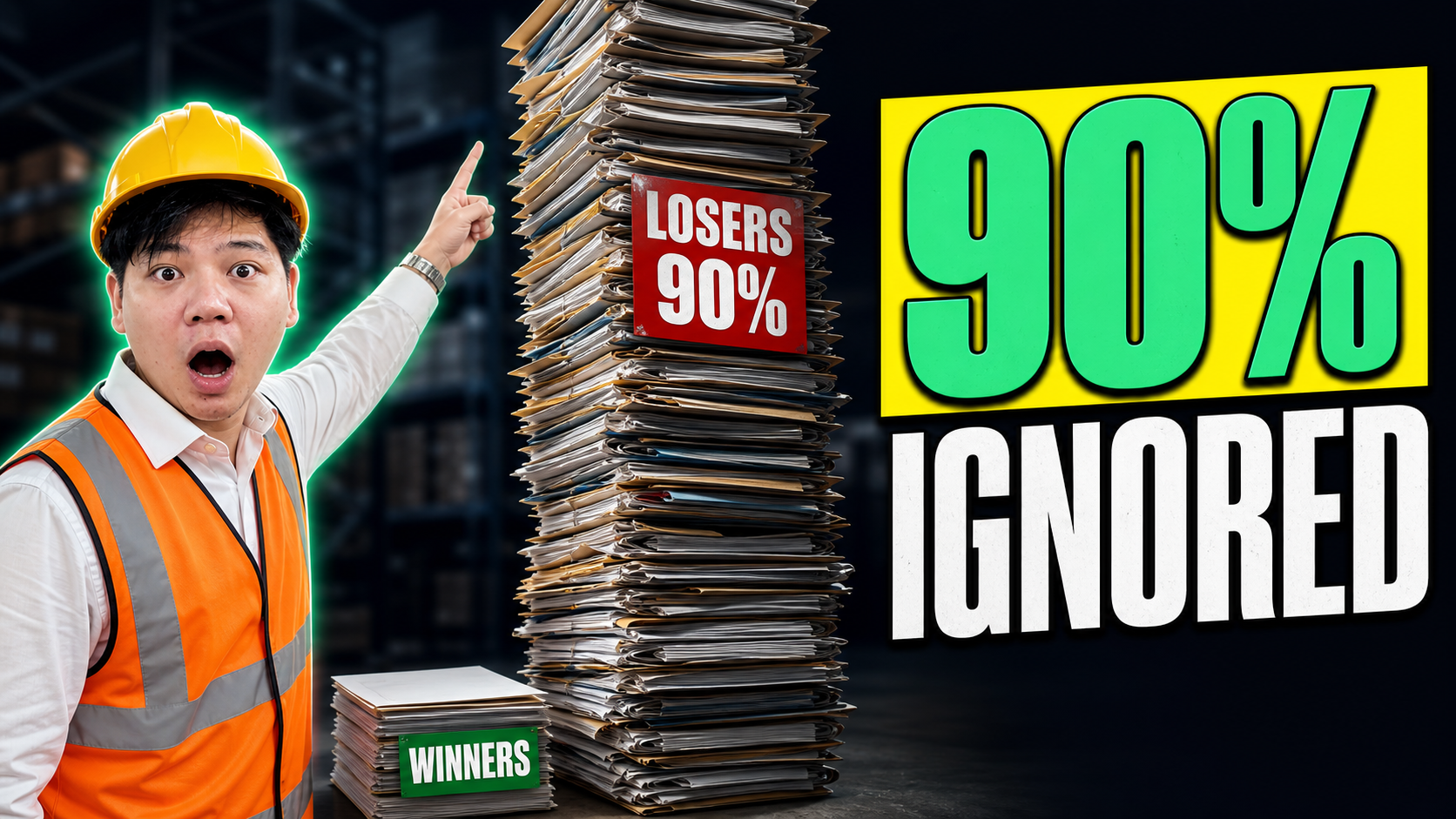
Worth being upfront: the first batch you generate will mostly be unusable, and people quit at exactly that point. In our experience something like one in five generations is genuinely ad-ready straight out of the tool. The rest have the sizing off, a warped reflection, or a weird artefact where the product meets the background.
That's not a failure of the tool, it's the cost of the medium, and it's still cheaper than a reshoot. The fix is treating prompting as a skill you build, not a magic word you find. Keep the prompts that worked in a running note. Be specific about light, mood, and surface. And when a generation is 90% right, fix the last 10% by hand in Photoshop rather than re-rolling and hoping. Re-rolling burns time; a two-minute manual patch usually doesn't.
The mental model I'd hold: the AI gets you to a strong draft fast. A human gets it to shippable. The brands doing this well aren't the ones with the best prompts, they're the ones who know which 10% to fix and which to leave.
Where I'd still book the shoot
Now the honest counterweight, because I don't want you binning your photographer off the back of this.
Three kinds of product, the composite still loses on.
- Intricate texture and fine detail. A plain bottle or a basic boot composites beautifully, because the tool has seen a thousand of them. A product covered in ornate patterning, fine embroidery, an unusual material, the model mangles it. If the design is the selling point and it's complex, it'll come back wrong often enough that you're better off shooting it.
- Regulated or claim-heavy products. Anything where the on-pack text is doing legal work, supplements, skincare with actives, anything with a dosage or a compliance claim. You cannot have a model subtly redraw a label and quietly change a word. The risk isn't aesthetic, it's regulatory. Composite the background, never the labelled product.
- Genuine luxury. When the entire proposition is craftsmanship and realness, an AI scene can undercut the very thing you're charging a premium for. A customer paying top dollar has a sharp eye for "this looks generated," and that flatness costs you more in brand perception than the shoot would've cost in dollars.
The pattern across all three: the more the product's value lives in fine, real detail, the more you shoot. The more it lives in the situation around the product, the more you composite.
Where to from here
So the takeaway isn't "stop shooting." It's "shoot once, properly, then stop paying to reshoot the same product into new scenes when a tool does that part for nothing."
If you want a concrete next step: take your single best product photo and try to get five clean background variations out of it this week. You'll learn more from one messy afternoon than from any tutorial.
And if you'd rather see the lift before you sink time into it, send through one product shot and I'll run a few variations against it, so you can judge for yourself whether the volume is worth chasing for your specific product before you commit to the workflow. What's the one product you keep reshooting that you suspect you shouldn't be?


Recent Insights®

.webp)

Powered by © Pigeon Digital 2026. All rights reserved.
We acknowledge the Traditional Owners of the land on which we work, the Wurundjeri Woi Wurrung Cultural Heritage Aboriginal Corporation people of the Kulin Nation, and pay our respects to Elders past and present. We recognise their continuing connection to Country, culture and community.
.svg)