The Post-Purchase Upsell Playbook: Add Six Figures With Market-Basket Analysis

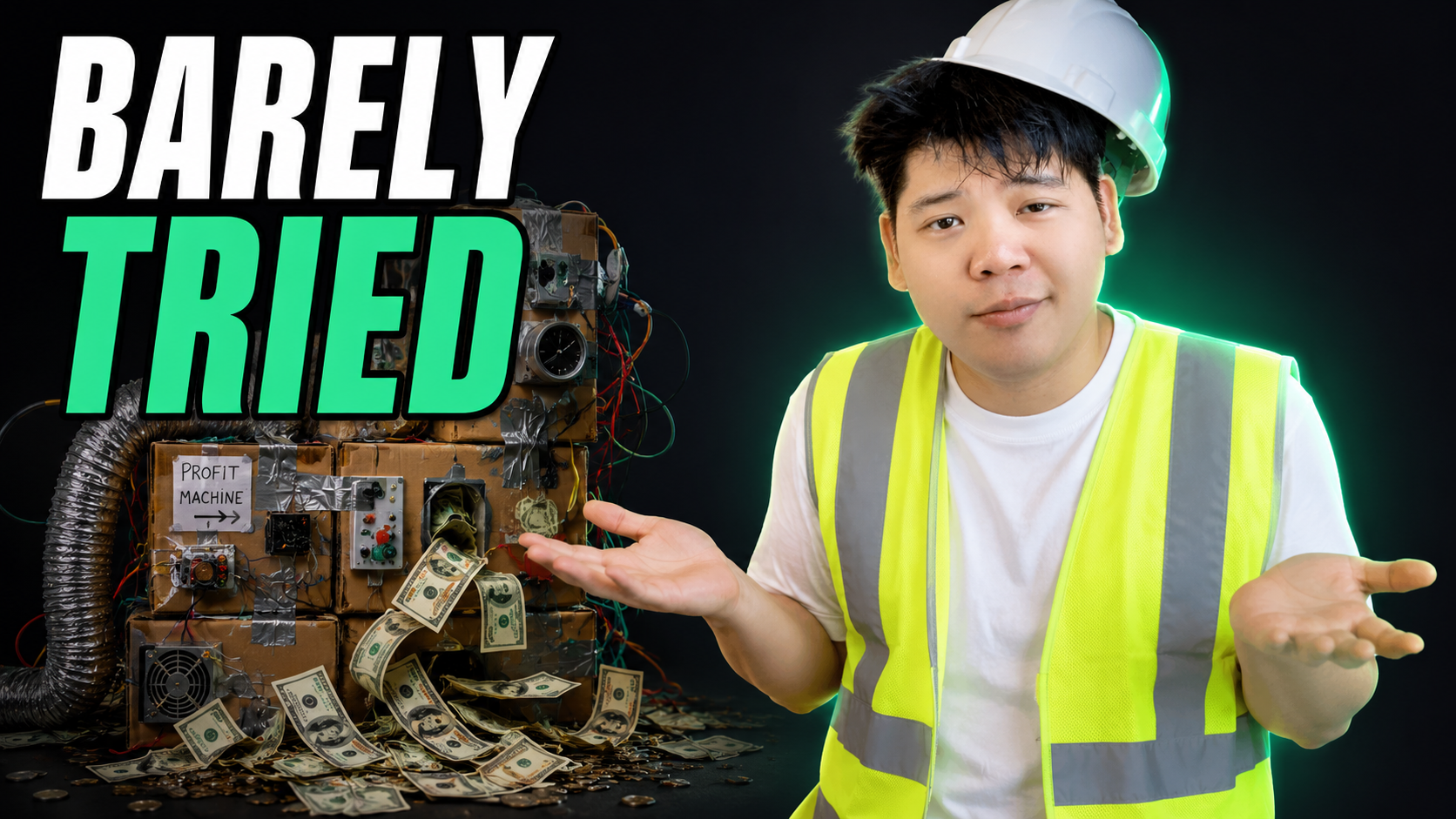
"We set it up once and basically forgot about it - and it still throws off high five figures a month."
A founder said that to me about his post-purchase upsell flow, almost as a throwaway. He wasn't bragging. If anything he sounded a bit guilty, because he knew the thing was running on autopilot at maybe 20% of its potential and he'd never gone back to tune it.
That sentence is the whole reason I'm writing this. A one-click post-purchase upsell is the rare lever that pays you whether or not you optimise it. Install it badly and it still prints money. Install it well and it adds a serious line to the P&L.
So let me give you the version that adds the serious line.
Why this is the highest-ROI 30 minutes on your store
Start with the mechanic, because it's almost unfair.
A one-click upsell fires after the customer has already bought. They've paid. The card details are in. So when you offer them one more thing, there's no re-entering payment, no second trip through checkout - one tap and it's added to the order. Everything it earns is incremental revenue on top of a sale you'd already banked.
I've watched brands pull six figures a year out of this from a near-zero starting effort. On one account the upsell component alone ran a A$156 average order value - not the main order, just the bolt-on. The base install genuinely is about a 30-minute job with an app. That's the trap, though. Because it works at 30 minutes of effort, almost nobody gives it the next two hours that take it from "nice" to "meaningful."
Here's my take: the install is the easy 80% of the result and the boring 20% of the work. The interesting work is deciding what to put in front of whom. And that decision should not be a guess.
The foundation: stop guessing, read the basket
Most brands pick their upsell by gut. "People who buy the pan probably want the lid." Maybe. Your order data already knows the answer, so use it.
The tool is market-basket analysis, or its close cousin, sequential-order analysis. Two simple questions:
- Same-order: when someone buys product A, what else lands in that same cart?
- Next-order: when someone's first purchase is product A, what do they actually buy on their second and third orders?
You don't need anything fancy to start. Export your order line items, split them by the first product purchased, and count what shows up alongside and afterwards. A CDP makes it cleaner, but a spreadsheet and an afternoon will get you 90% of the way.
The output is a ranked list per hero product. If your top first-order product is a 12-piece cookware set, you want the ten things those buyers reach for next, in order. Do it again for the knife block. Again for the pan set. Each one has a different buyer journey, so each one gets its own list.
That ranked list is the ammunition for every placement below. Same insight, four different moments to fire it.
Mapping the upsell across four placements
Here's the bit people miss. The upsell isn't one thing in one spot. It's the same logic deployed at four points in the journey, and the trick is not repeating yourself.
Think of it as a relay. Each placement hands the baton to the next, showing the customer something they haven't already declined.
1. Product page: plant the complementary item
On the PDP, the goal is gentle. The person is still deciding on the main thing, so you don't want to clutter that decision. Surface one or two genuinely complementary items - the top of your basket-analysis list for that product.
There's a quieter benefit here that took me a while to appreciate. Sometimes a cheap add-on lifts conversion on the main product, not just AOV. One brand sells a little A$17 accessory that slots into their core product. People who add it then convert at a higher rate - partly because they feel they're getting more value that day, and partly because the add-on de-risks the main purchase in their head. The upsell wasn't only extra margin. It was reassurance.
So when they discounted that accessory further, two things happened: more people attached it, and the higher conversion rate held across the larger pool of orders. They sold thousands more of the main product by making the bolt-on cheaper. Watch for that. An upsell that increases conversion on the hero item is worth far more than one that just adds a few dollars.
2. Cart: capture value as they move
The cart is where a progress-bar offer earns its keep. "Spend A$20 more, get a free gift" or "add this and save 10%" works here because the customer is mid-decision and you're handing them a reason to do the thing they're already leaning towards.
Pull recommendations from the same basket list, but here's the discipline: don't just re-show the PDP upsell. If they didn't take it on the product page, showing it again in the cart is noise. Move down your ranked list. Show item three and four, not one and two.
3. Checkout: light touch, or leave it alone
Checkout is the twitchiest moment. The buyer is committing, and clutter here costs you conversions. If you do anything, keep it to a single tight, relevant nudge - and again, move down the list. By the time they're in checkout they've already seen your top recommendations and passed. Throwing them a fifth time is how you lose the order you'd nearly won.
Honestly, on a lot of stores I'd test doing nothing at checkout and saving the firepower for the next step, which is the real workhorse.
4. Post-purchase: the one-click winner
This is the placement that prints. The sale is done, the risk of losing the order is zero, and the customer is in buying mode. It's the only moment where you can be aggressive without a downside.
Use a one-click app on the thank-you page and serve the next-best item from your basket analysis - ideally products five and six on the list, the ones they haven't been shown yet. Add a small downsell: if they decline your higher-value cross-sell, follow it with an easier, cheaper add - a high-conversion item you know attaches well. Decline the A$200 griddle, get offered the A$30 mitts-and-trivet duo.
One detail that lifts both take-rate and customer happiness: package the upsell in the same box. If the add-on ships with the original order, tell them. One delivery, one tap, less faff. People say yes more when the answer doesn't create a second parcel.
Don't forget the email and SMS version
The on-site upsell isn't the only post-purchase moment. There are two flows worth building in Klaviyo (or your ESP of choice), and they do different jobs.
An upsell flow is hyper-specific. It fires immediately after purchase and offers a premium upgrade inside the same ecosystem - a front panel for the PC they just bought, a bundle or subscription for the supplement. Because it's so targeted, the engagement is wild. I've seen one of these run an 82% open rate, a 19% click rate, and a 4.3% placed-order rate, generating around A$32k from a single flow. Set it to fire before your generic post-purchase flow so two emails aren't fighting for the same inbox at the same minute. And offer a small sweetener - a A$10-off nudge to upgrade.
A cross-sell flow plays the long game. It waits about 30 days, then introduces a different category entirely - "you bought the desktop, here are the monitors and peripherals." It won't be your biggest revenue line, because broadening someone into a new category takes more education and time. But it widens the relationship so a one-time buyer doesn't stay a one-time buyer.
Most brands have neither of these live. If that's you, that's free money sitting on the floor.
The upgrade that beats the default install: custom pages
Here's where you pull away from everyone running the lazy version.
The default app upsell is fine. You plug in a product, it pulls the variant image and a buy button, done. But the brands getting outsized numbers build a custom, product-specific upsell page with proper lifestyle imagery - it reads like a little landing page rather than a bare widget. One brand built exactly that and saw roughly a 40% higher attachment rate than the default version.
Forty percent more attachment on a flow that was already incremental is enormous. That's the difference between "set and forget" money and "this is a real channel" money. You don't need to build it for every product on day one - build it for your top three or four first-order heroes, the ones doing the volume, and let the rest run on the default while you expand.
How to actually measure it
Two failure modes to avoid, because both are common.
First, judge every test on revenue per session - really, gross profit per session - not on attachment rate or AOV in isolation. A discount-led upsell can lift AOV while quietly thinning your margin, so if discounting is in the mix, watch what it does to the bottom line, not just the top.
Second, don't conclude too early. A clean post-purchase test is one of the better-controlled reads you'll get, because it's all post-click - far less noise than testing the same thing inside an ad. But you still need real volume per variant before you trust the result. A handful of orders is three coin flips, not a verdict.
When you test, keep it like creative testing. Try the lower-priced upsell against the higher-priced one - the cheap one usually converts better, but the dearer one often wins on revenue per user thanks to the bigger basket. Try a custom page against the default. Each winner gets fed forward, and the loser tells you what to build next.
Where to from here
The honest summary: a one-click post-purchase upsell is the highest-ROI 30 minutes most brands will never optimise. The install is trivial. The money is in the basket analysis and the custom pages, and that's the part everyone skips.
So before you go hunting for more traffic, go and do this. Export your order line items this week, rank what sells with your top first-order product, and stand up a one-click offer on the thank-you page with the right next item. Then build one custom upsell page for your bestseller and let it run.
If you'd rather not piece the flow together yourself, mapping and installing this - the placements, the basket logic, the custom pages - is exactly the kind of quick-win project we run for clients before we ever talk about pouring more into ads. Reply and tell me what your top first-order product is, and I'll tell you the first place I'd point the upsell.


Recent Insights®



.webp)

Powered by © Pigeon Digital 2026. All rights reserved.
We acknowledge the Traditional Owners of the land on which we work, the Wurundjeri Woi Wurrung Cultural Heritage Aboriginal Corporation people of the Kulin Nation, and pay our respects to Elders past and present. We recognise their continuing connection to Country, culture and community.
.svg)